
Built for live creators

Stream Rituals Studio. Design the moment.

Design every scene, alert and reaction in one place.
⌖Real-time
control
✣Unlimited
creativity
ϟBuilt for
speed
◇Yours to
stand out
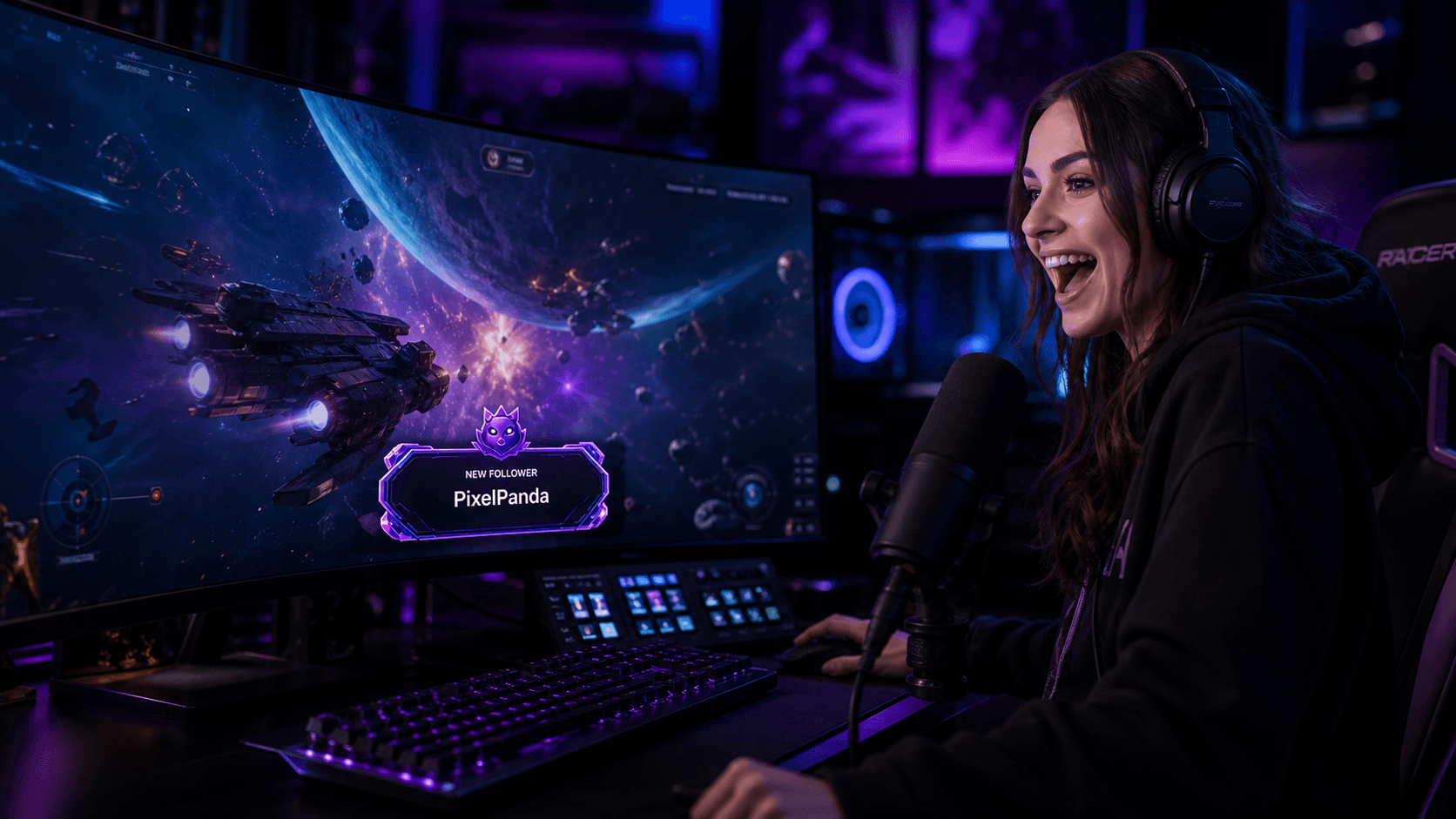
Creator presenting a live stream from her studio

Your vision.Built live.

Your complete scene set

Ready for every moment.

Design your Starting Soon, Live, BRB and Ending screens together in Studio.
Starting soon scene ready in Studio
Scene 01Starting
soon
Set the room before you arrive.
Live creator scene ready in Studio
Scene 02LiveYour show, fully in motion.
Be right back scene ready in Studio
Scene 03BRBHold the energy while you reset.
Stream ending scene ready in Studio
Scene 04EndingClose the show in your style.

Your creative workspace

Every moment.Your direction.

Build and customise alerts, overlays and more directly in the Studio.
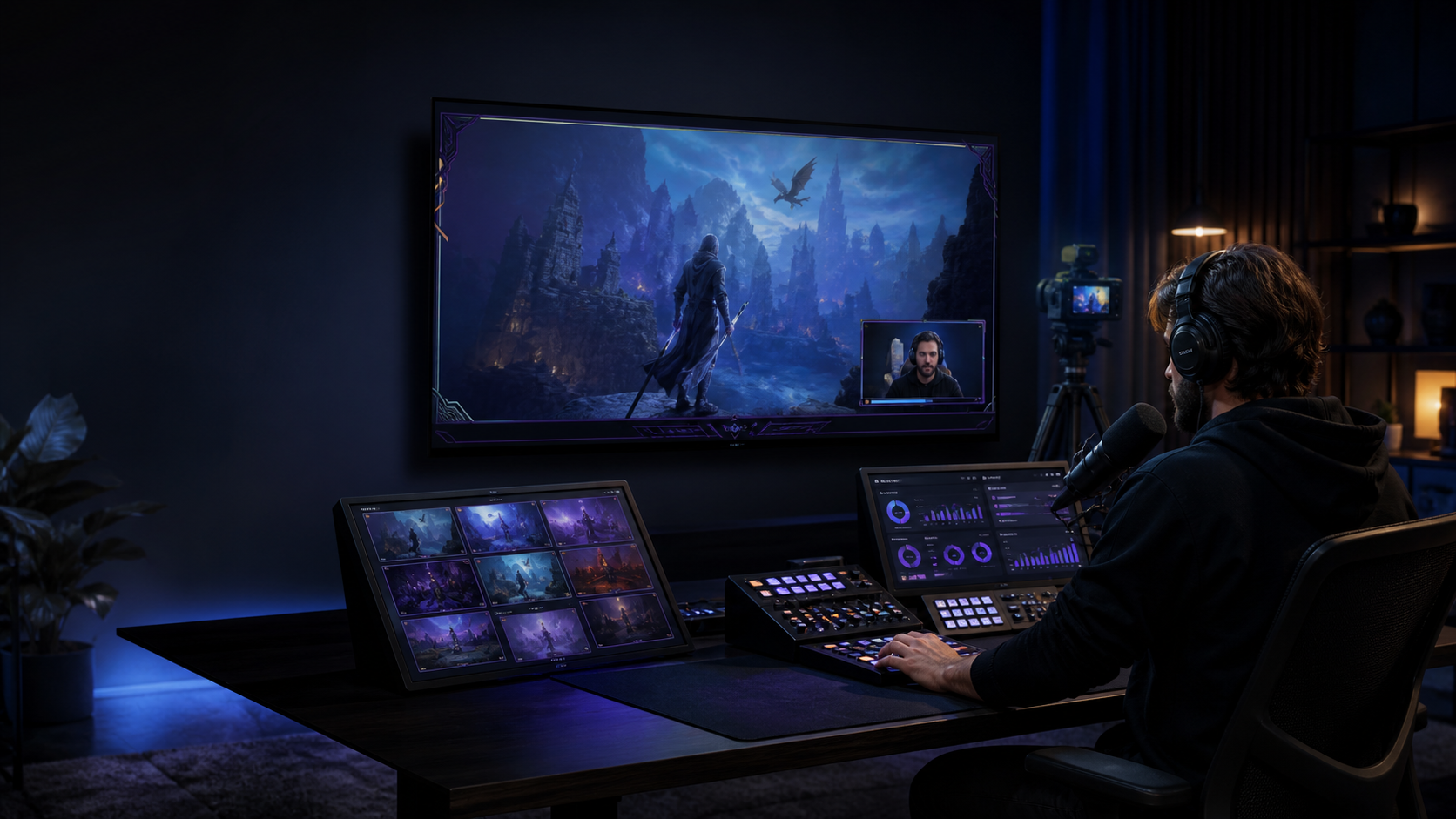
Live visual editingNo-code controlsReady for OBS
Stream Rituals StudioLive preview
Stream Rituals Studio editor showing a gifted memberships alert
Community momentNova gifted 10 membershipsWelcome to the ritual

One Studio. Every move.

Design. Set. Engage.

01

Design

Build overlays that hit different.

Text
Designing a membership alert in Studio20 gifted memberships
02

Set

Set every trigger and timing.

EventNew membershipActive
WhenGift count reaches 20⌄
Trigger ruleMembership gift→Play alert
Voice lineAlertChat cue
03

Engage

Turn live events into audience moments.

Choose an audience moment

◉Gift celebrationAlert · Sound · Chat cue
◇Follower welcomeOverlay · Motion · Message
✦Milestone hypeScene · Alert · Reaction
+Create new reactionBuild an audience moment

Your Studio is ready

Take it live.

Turn your ideas into a complete stream experience.
Enter Studio →
Browser-native • OBS ready • Multi-platform events• Test before live
Studio onlineGift Streak · Neon GridReady for air / 1920 × 1080
Studio workflow

Design a complete stream system in one visual workspace.

Build coordinated scenes, overlays, alerts and audience reactions without code, preview how they behave, and publish the finished surfaces to OBS when they are ready for air.

Best for

Creator use cases

  • Starting Soon, Live, BRB and Ending scene sets
  • Channel-branded alerts, overlays and audience reactions
  • Reusable show loadouts for different formats or channels
How it works

From setup to live

  1. Open Studio and choose a starting design or blank workspace
  2. Arrange and customise the scene, overlay and alert elements
  3. Preview live event data, text fit, motion and timing
  4. Publish the browser source and add it to the intended OBS scene
Compatibility

Supported workflow

Web-based visual editorOBS browser sourcesStreamlabs DesktopTwitchYouTube LiveKickRumbleTikTok Live

Connected event data and available triggers vary by streaming platform and creator permissions. Preview every scene and test each enabled event before the broadcast.

Common questions

Know what to expect before setup.

What can I design in Stream Rituals Studio?

Studio brings stream scenes, overlays, alerts and audience reactions into one visual workspace so creators can build a coordinated show instead of styling each element separately.

Do I need coding or design software?

No coding is required for the controls available in Studio. You can arrange and customise supported elements in the browser, preview the result, and publish it for use in your streaming software.

How do Studio designs work with OBS?

Publish the finished live surface, add its browser-source URL to the intended OBS scene, set the canvas dimensions, then run a test to check placement, text, motion and event behaviour.