TWITCH

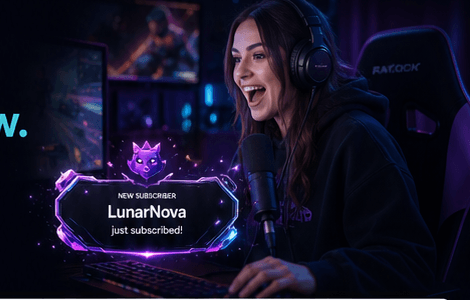
Premium alerts for every follow, subscription, donation, raid and milestone.
START FREE ›Works seamlessly across platforms with ready-to-use browser source alerts.
EXPLORE ALERTS ›
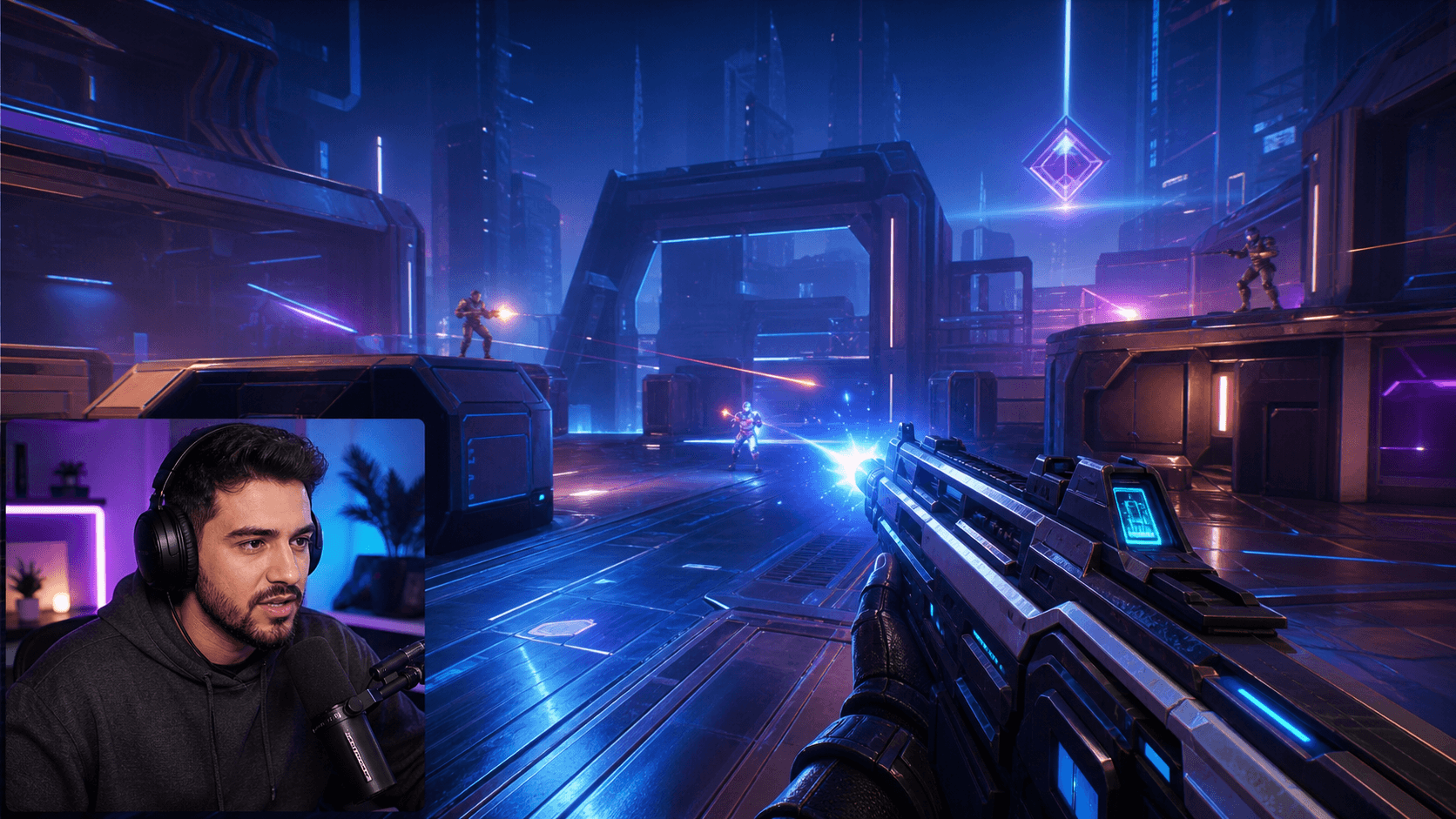
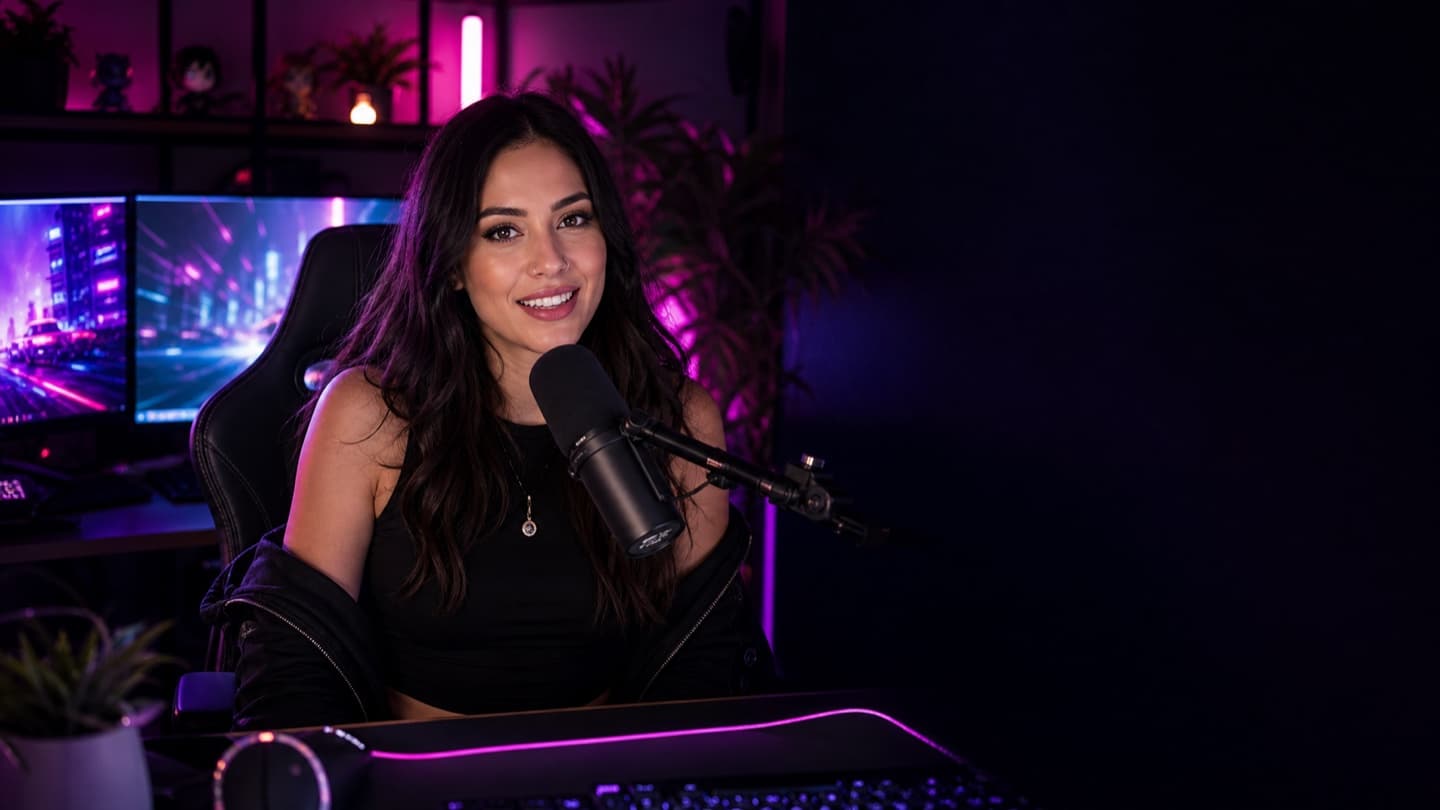
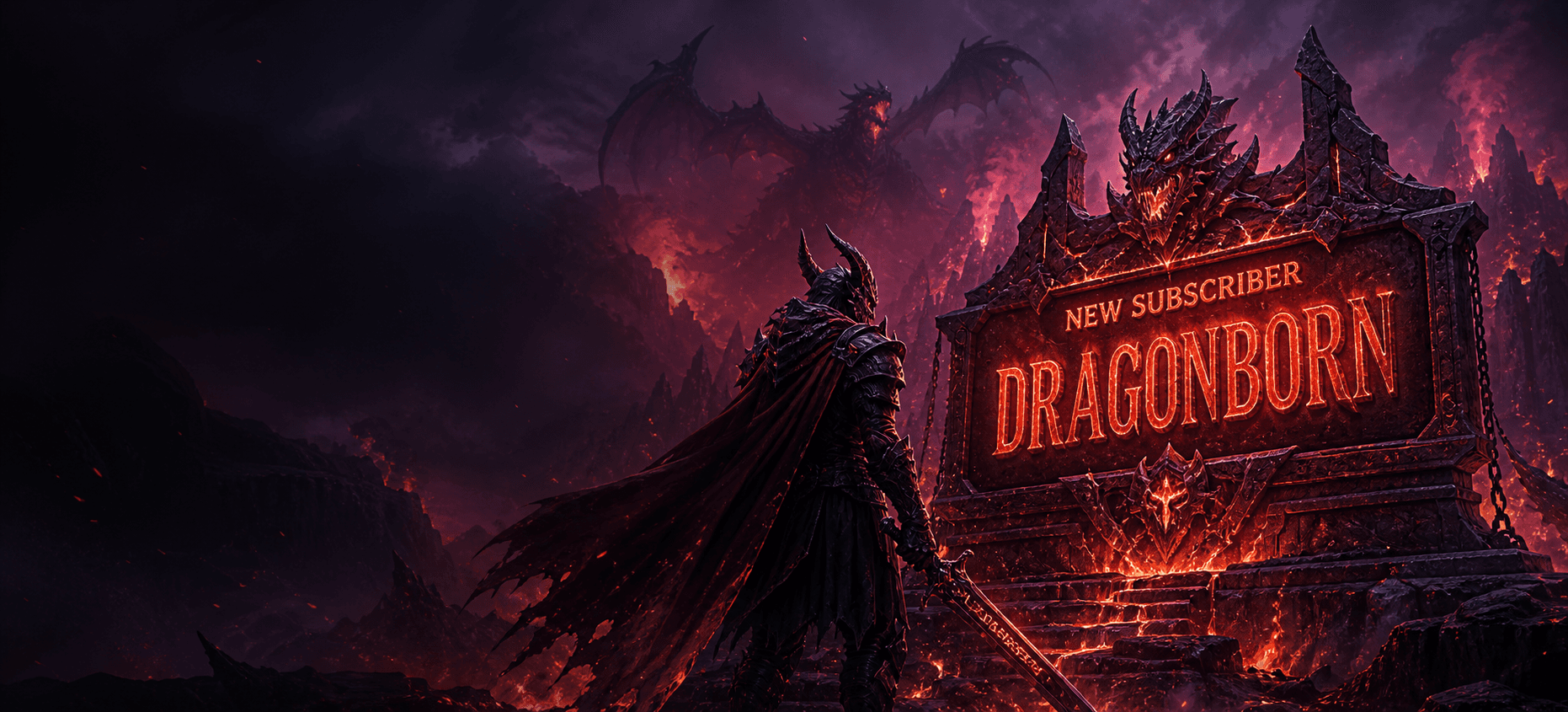
Show your chat the love—highlight the gifter and the recipients with beautiful, stacked alerts that keep the energy flowing.
Remembered by your community.
The moments that make the show

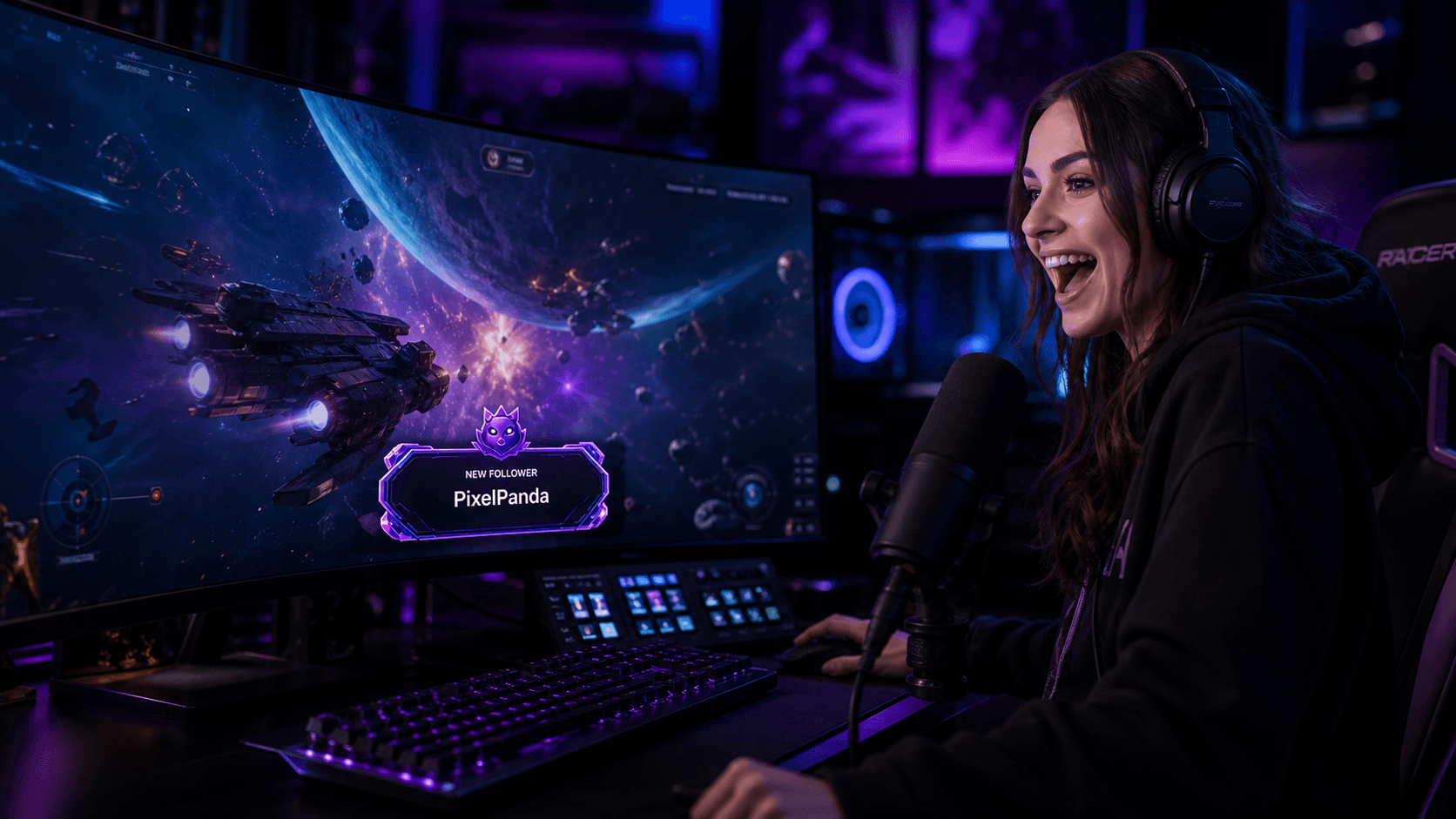
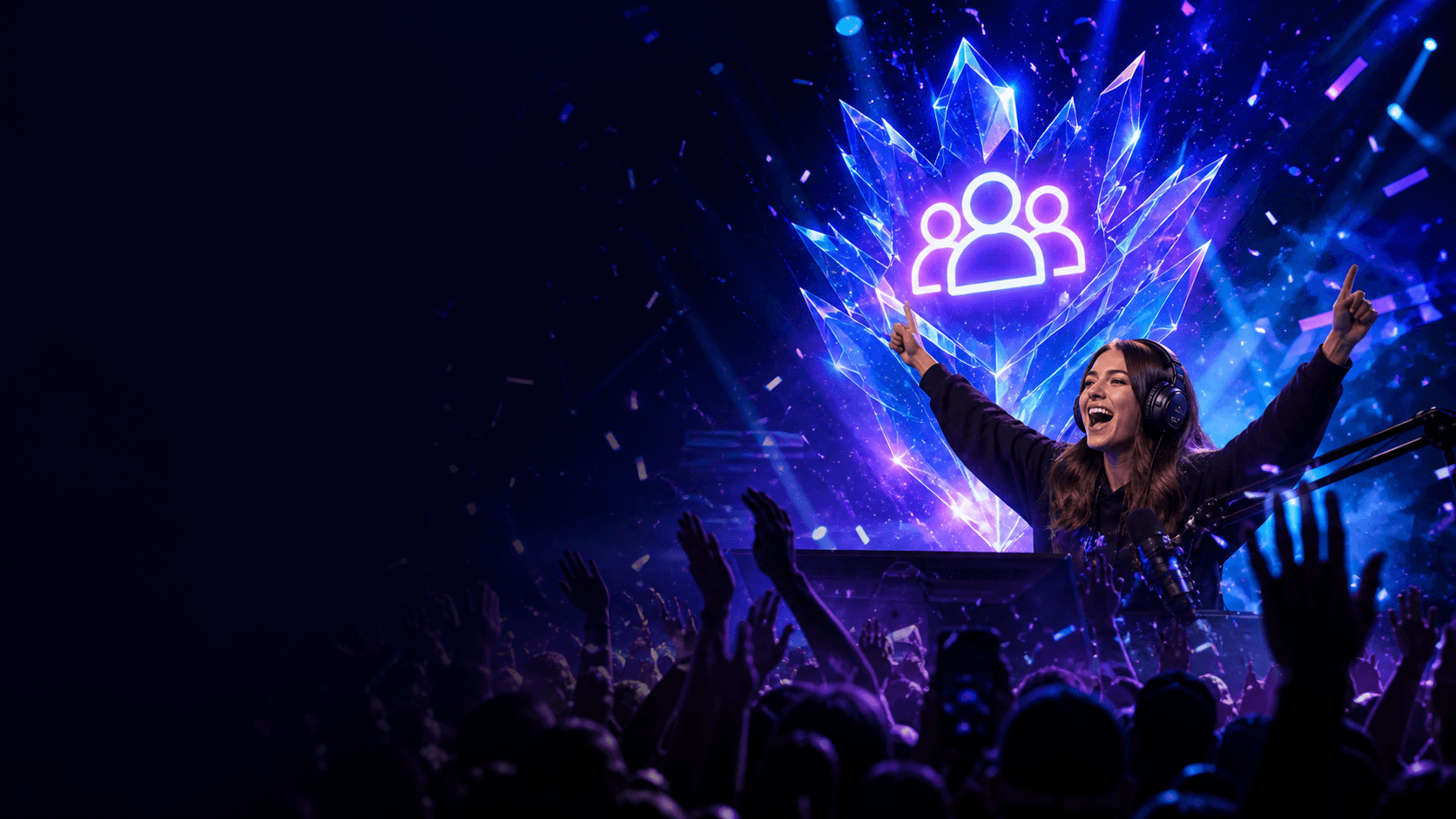
Your stream. Your alerts. Your show.
Connect supported channel events to OBS-ready browser-source alerts, then shape the words, timing and visual treatment so follows, subscriptions, gifts, donations, raids and milestones read instantly on stream.
Available alert events depend on each connected platform, its API capabilities and the permissions granted by the creator. Test every enabled event type before the broadcast.
Stream Rituals supplies a browser-source URL for the alert surface. Add it to the intended OBS scene, set its dimensions, then send a test event to confirm the message, motion, audio and placement.
Supported events can include follows, subscriptions, gifts, donations, raids, streaks and milestones. Exact event availability varies by streaming platform and connected-account permissions.
Yes. Available controls let you adapt alert copy, timing and visual treatment, with event data such as the viewer name, contribution count or milestone rendered into the alert where supported.
 TWITCH
 YOUTUBE
 TIKTOK LIVE
 KICK
KICK RUMBLE