Create
Overlays, alerts & transitions
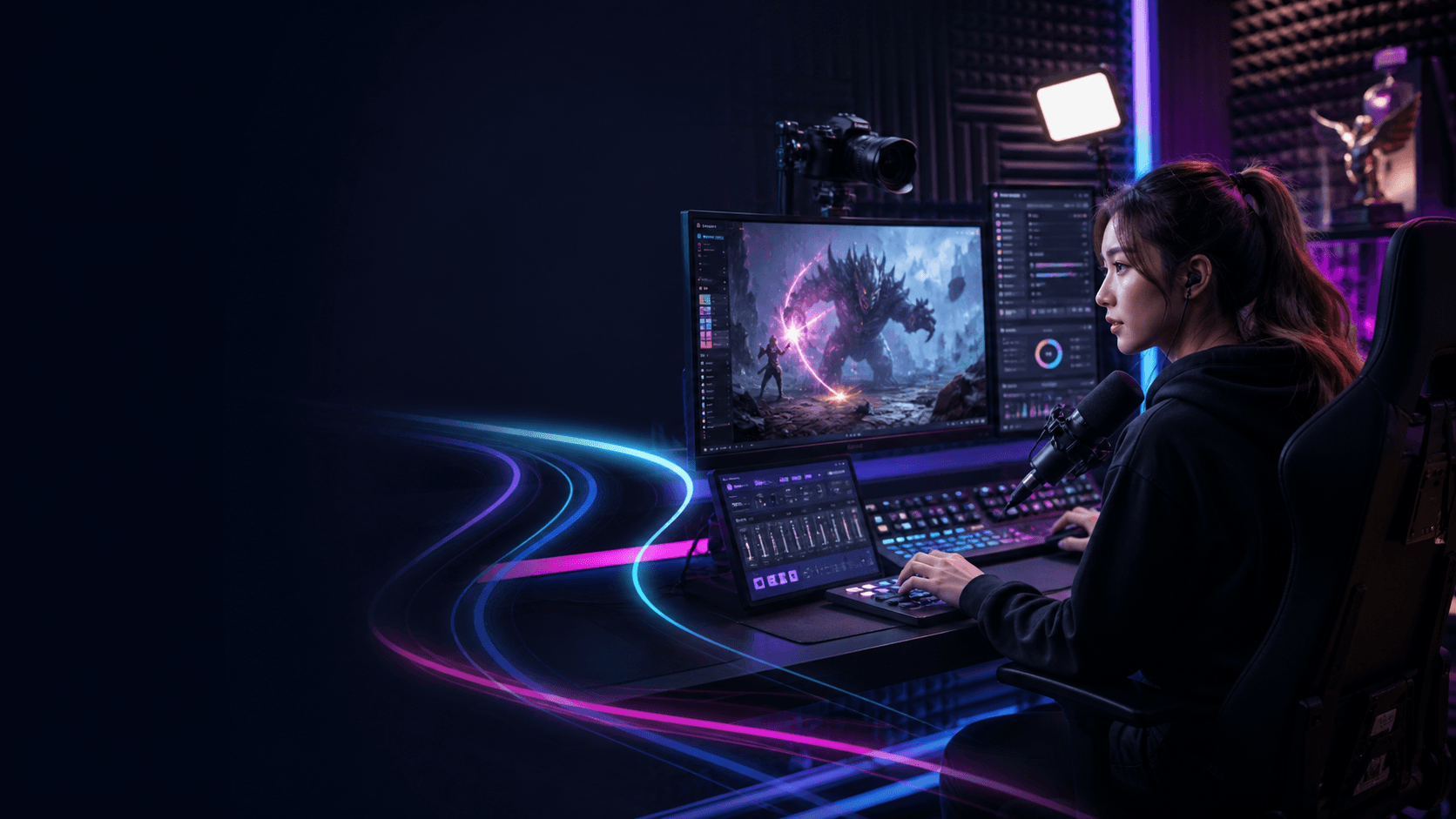
Stream Rituals helps creators design overlays, alerts and transitions, involve viewers with polls and rewards, control the show live, connect streaming channels and understand performance through analytics.
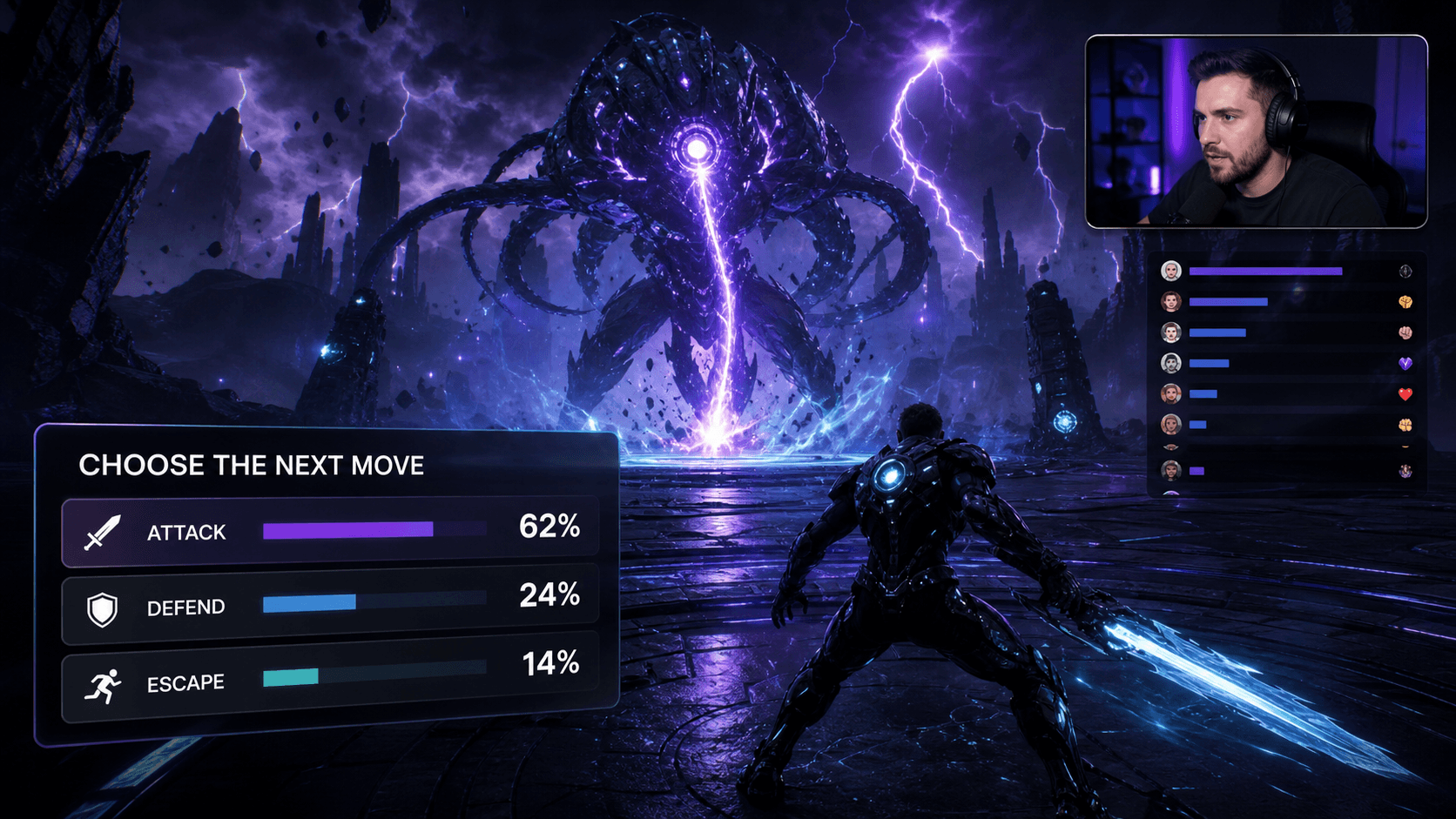
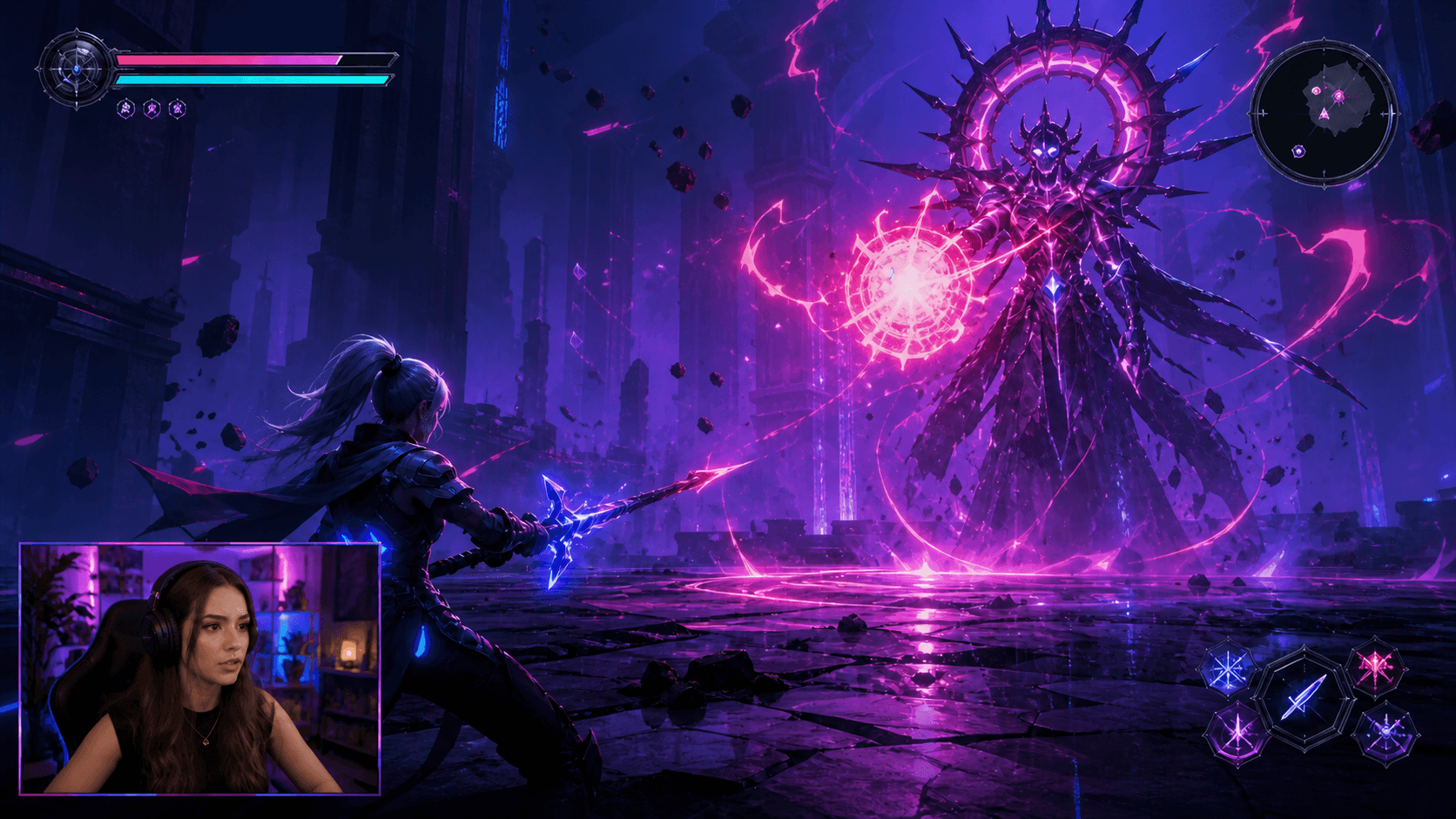
Give every viewer action a bigger reaction.
Overlays, alerts & transitions
Run every moment live
Polls, rewards & interactions
Analytics that drive growth
Combine live chat and viewer interaction across every platform.
Run scenes, alerts and viewer interactions in real time without breaking the flow of your show.
Track viewer growth, engagement and performance across every platform—then use those insights to improve every stream.
Stream Rituals brings visual design, OBS-ready alerts and widgets, cross-platform live control and creator analytics into one workflow for streamers who want the parts of their show to work together.
Platform connections, events, metrics and live eligibility vary by service and creator permissions. Test the intended OBS surfaces and supported platform actions before each broadcast.
Stream Rituals is a browser-based toolkit for creators to design stream visuals, run OBS-ready alerts and widgets, control live audience moments, connect supported streaming platforms and review performance.
Yes. Supported live surfaces use OBS-compatible browser-source workflows, and Command Centre can work alongside a paired OBS setup for prepared scene and production actions.
Stream Rituals supports workflows across Twitch, YouTube Live, Kick, Rumble and TikTok Live. Exact connection methods, event data and creator eligibility vary by platform.


