Premium overlay packs
Build a stream
people remember.
Give every scene a distinctive look your audience will recognise the moment you go live.
NAV+
100,000+ creatorsbuilding places people love to return to.
A complete world / every live moment
Build a stream people remember.
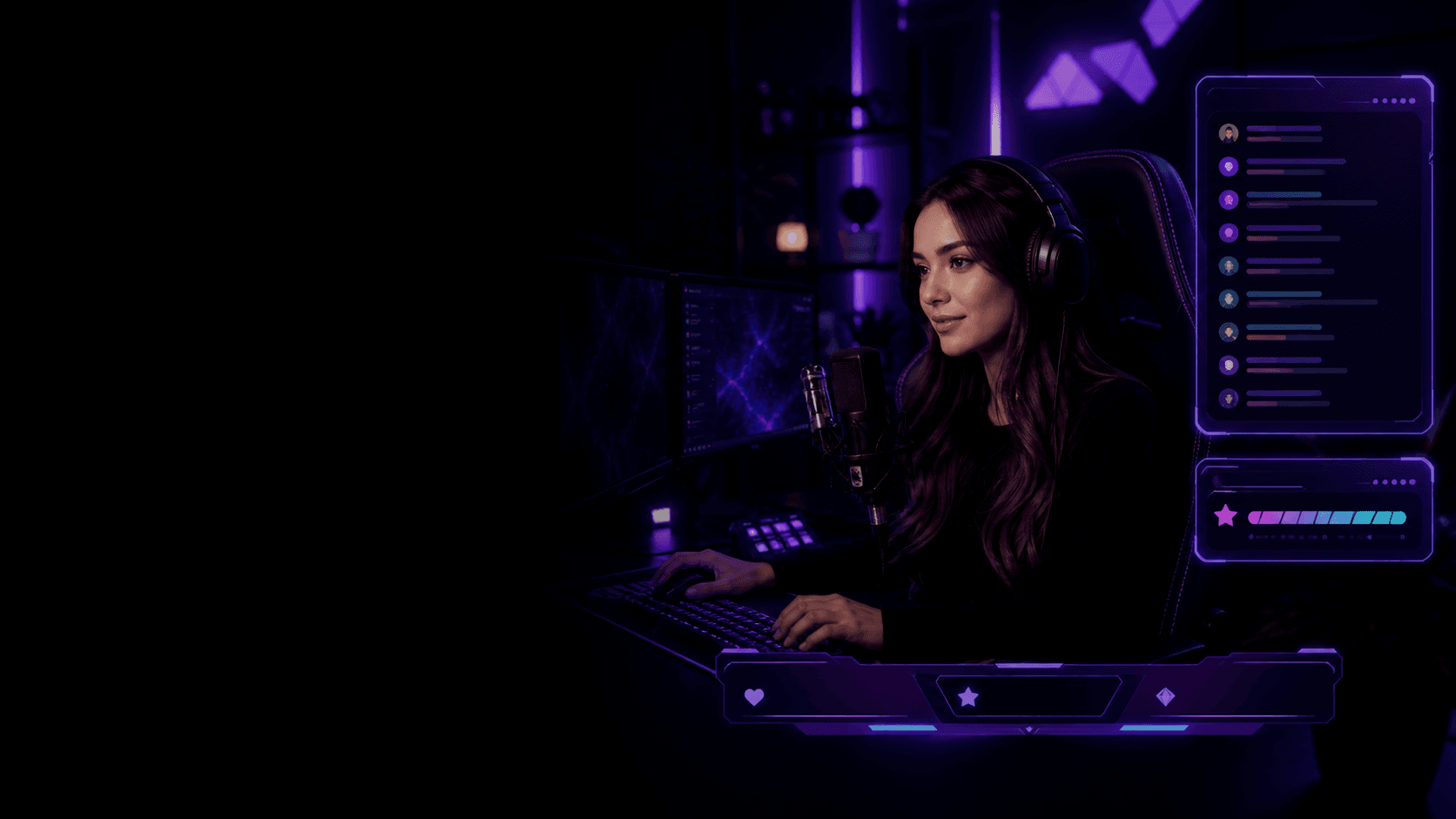
Create a consistent look across your entire show. From the first screen to the final moment.
Authentic by Design
Built to reflect your style and story.
Crafted with Purpose
Designed to look incredible and perform flawlessly.
Elevate Every Moment
From first hello to final raid, look pro every step.
Support Real Creators
Made by streamers who get it.
Featured overlay packs
Find the theme
that feels like yours.
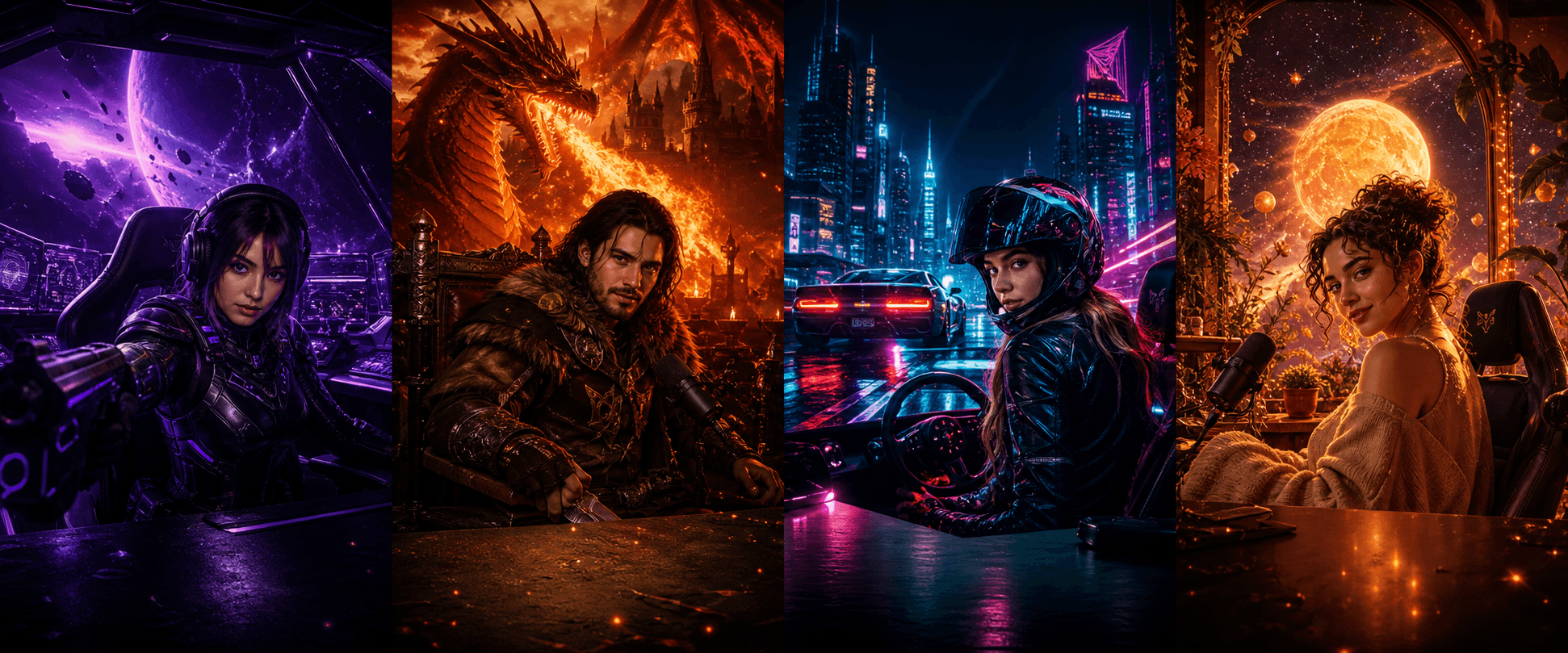
Sci-fi / FPS
Void Runner
Complete pack ↗Fantasy / RPG
Emberfall
Complete pack ↗Racing / Cyber
Neon Drift
Complete pack ↗Cozy / Just Chatting
Solar Bloom
Complete pack ↗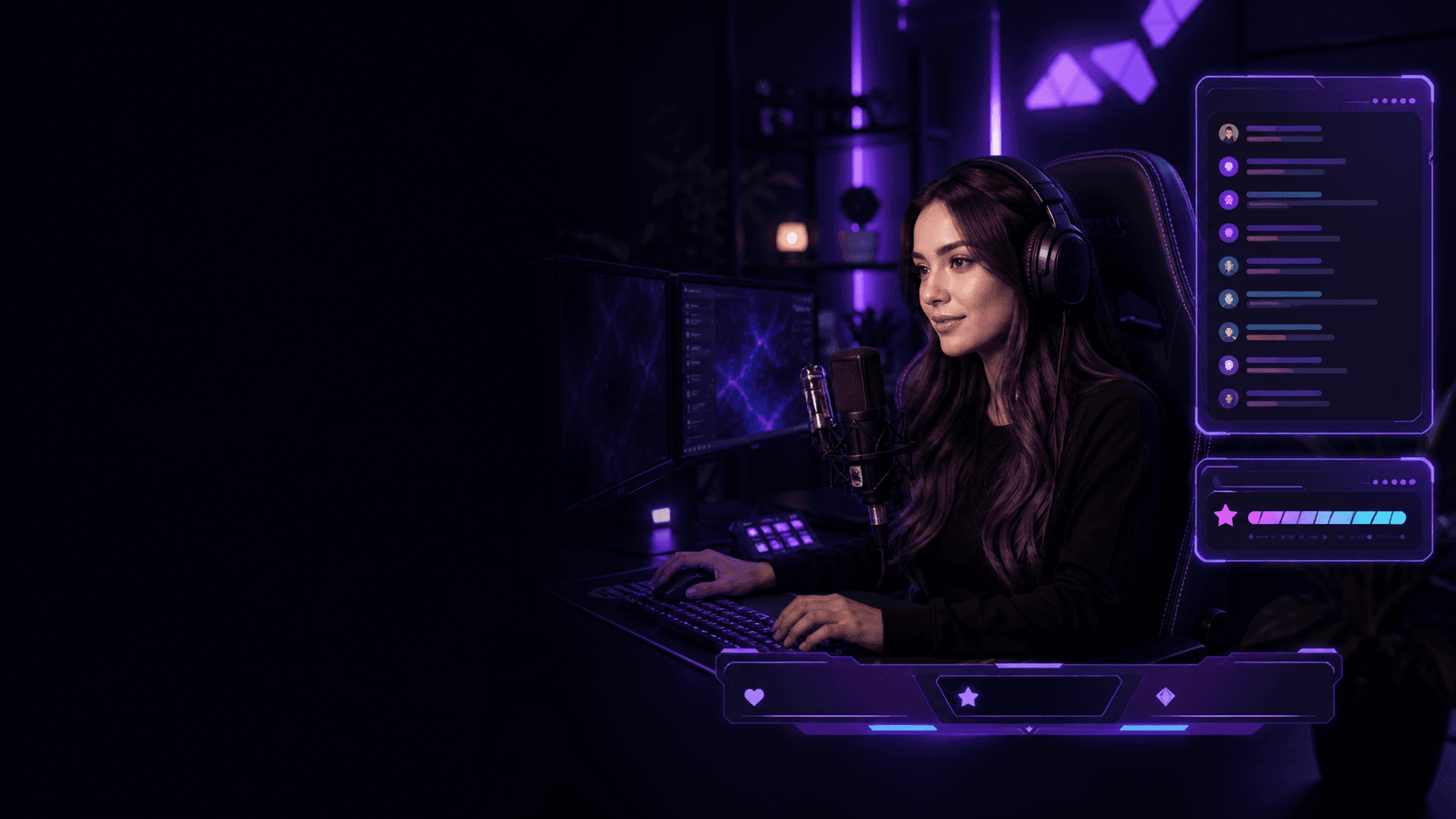
Your channel already has a voice
Give it a world
people remember.
Choose a complete overlay collection. Make it yours. Go live looking unmistakable.Complete scenesEasy customisationOBS ready
From download to live
Your new look.
Live in minutes.
No design software. No rebuilding every scene. Just one coordinated pack, ready for the tools you already use.Choose your world
Find the complete identity that matches your show, genre and community.
Download the pack
Get every scene, frame, alert and widget together in one organised bundle.
Drop it into your setup
Add the included assets to OBS or Streamlabs, then make the details yours.
Go live unmistakably
Show up with one visual language across every scene and supporter moment.
Choose, customise and run one coordinated stream look.
Stream Rituals brings scenes, frames, alerts and interactive surfaces into a reusable creator workflow instead of leaving you to rebuild each OBS scene from unrelated files.
Creator use cases
- Starting soon, live, break and ending scenes
- Webcam frames, chat areas and supporter moments
- Reusable visual loadouts for different shows or channels
From setup to live
- Choose an overlay pack or start in the Playground
- Customise the parts that need to match your channel
- Add the supplied assets or browser source to OBS or Streamlabs
- Preview the complete scene before going live
Supported workflow
Pack contents and interactive features vary by design. Check the included asset list and platform connection requirements before choosing a pack.
Common questions
Know what to expect before setup.
What is included in a Stream Rituals overlay workflow?
The workflow can combine stream scenes, frames, alert surfaces, widgets and saved creator loadouts. The exact files and features depend on the selected pack or build.
Can I use Stream Rituals overlays with OBS?
Yes. Stream Rituals supports standard OBS workflows using supplied media assets and browser-source surfaces where the selected feature requires live data.
Do I need separate design software?
No separate design application is required for the customisation available inside Stream Rituals. Advanced editing outside the product is optional.