


Twitch7.6K watching
●
MULTISTREAMINGLive stream command centre
Live stream command centre
for every platform.
Manage your broadcast, chat, engagement and analytics across every live audience.
Five destinations · One studio · No tab juggling LIVE01:48:3718,742 watching
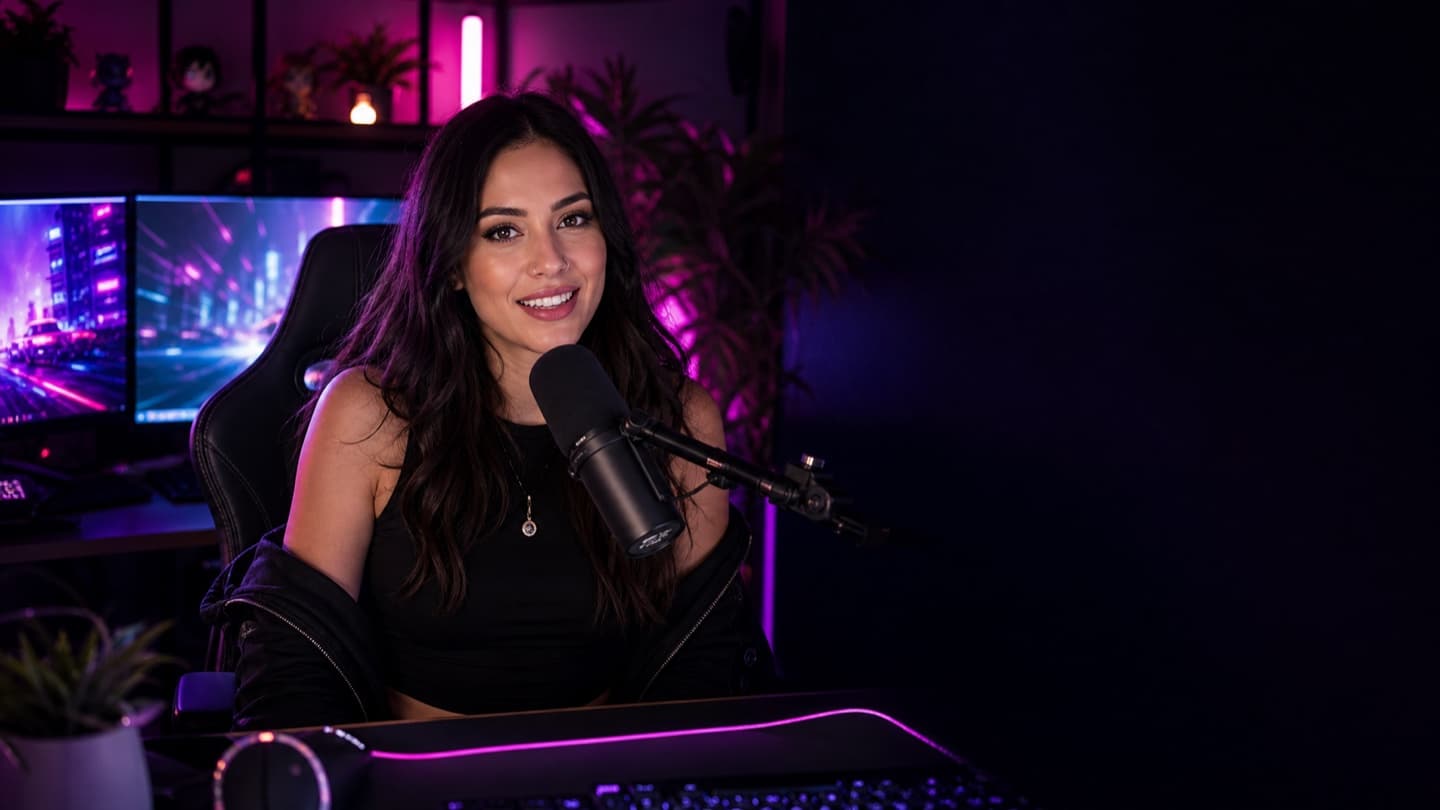
MAIN CAMERA
NOVAONE SHOW · EVERYWHERE
TwitchLIVE
YouTubeLIVE
RumbleLIVE
KickLIVE
TikTok LiveLIVE
YouTube5.2K watching
●Rumble2.1K watching
●Kick1.8K watching
●TikTok Live1.5K watching
●ONE SIGNALOne live feed
One live feed
for every platform.
Connect every platform then manage chat, alerts, transitions and engagement around one live feed.
YOUR SHOWSR1080p60 masterHealthy · 6,000 kbps
TwitchExcellent
LIVEYouTubeExcellent
LIVERumbleExcellent
LIVEKickExcellent
LIVETikTok LiveExcellent
LIVECOMMAND CENTRE
Multistream command centre
Manage chat, alerts, transitions and engagement widgets across every platform you stream to.
- Unified chat across platforms
- Control alerts and on-screen transitions
- Trigger engagement widgets live
- Manage every audience from one place
Bitrate 6,000 kbps
FPS 60 fps
Dropped Frames 0 (0%)
18,742Total Viewers
Twitch 7,642
YouTube 5,216
Rumble 2,118
AnnaLive New Follower
BeastMode Cheered 500 bits
LunaBee Subscribed
DravenX New Member
Ad Break
Sub-Only Chat
Followers Only
Slow Mode 10s
CROSS-PLATFORM INSIGHTSCross-platform
Cross-platform
performance.
See how each platform contributes to your total audience.
- Side-by-side platform stats at a glance
- Compare engagement, viewership and watch time
- Spot your top performers and opportunities
- Avg Viewers
- 7,896
- Peak Viewers
- 12,531
- Watch Time
- 218h 34m
- Engagement Rate
- 10.2%
- Avg Viewers
- 5,361
- Peak Viewers
- 8,912
- Watch Time
- 162h 21m
- Engagement Rate
- 9.1%
- Avg Viewers
- 2,141
- Peak Viewers
- 3,722
- Watch Time
- 64h 58m
- Engagement Rate
- 8.7%
- Avg Viewers
- 1,843
- Peak Viewers
- 3,108
- Watch Time
- 53h 12m
- Engagement Rate
- 8.5%
- Avg Viewers
- 1,501
- Peak Viewers
- 2,611
- Watch Time
- 41h 35m
- Engagement Rate
- 12.0%
ONE CHATOne chat.
One chat.
Every audience.
Read, reply and engage across Twitch, YouTube, Rumble, Kick and TikTok Live from one unified chat view.
- Colour-coded messages by platform
- Reply once across every audience
- Pin, highlight and announce instantly
- No tab switching or missed moments
PixelPandaThat transition was clean
GamingGuruWe are so back
RidgeRunnerFirst try
KryptoKLet's gooooo
NovaClipsThis looks unreal
MULTISTREAM WITHOUT THE MESSYour show deserves
Your show deserves
every audience.
Go live across platforms and keep every part of the stream connected.
Start streaming everywhereNo credit card requiredRun one live show across multiple audiences.
Connect supported channels, organise the live production in one command centre, follow cross-platform conversation, and compare how each destination contributes to the broadcast.
Creator use cases
- One production workflow for multiple live destinations
- Unified chat across connected platforms
- Cross-platform audience and engagement reporting
From setup to live
- Connect each streaming channel you are authorised to use
- Prepare the broadcast details and OBS output
- Confirm destinations and start the live session
- Monitor chat, live controls and platform performance together
Supported workflow
Streaming eligibility, available events and destination features are controlled by each platform. Creators remain responsible for platform rules, account access and broadcast settings.
Common questions
Know what to expect before setup.
What is multistreaming?
Multistreaming is the practice of sending one live broadcast to more than one streaming platform so audiences can watch on the destination they prefer.
Can I read chat from multiple platforms together?
Stream Rituals provides a unified view for supported connected chats, while preserving platform identity so creators can see where each message came from.
Do all platforms support the same features?
No. Authentication, live events, chat access and creator eligibility vary by platform. Stream Rituals shows supported capabilities without treating every destination as identical.