 Twitch
 YouTube
 Kick
Kick TikTok Live
Creator use cases
- Solo creators running scenes and audience actions
- Multistream shows with activity from several platforms
- Prepared polls, alerts, goals and quick responses during live broadcasts
Switch scenes, trigger alerts, launch audience moments, monitor stream health and control every live cue from one Command Centre.
Works with OBS · No plugins · No credit card required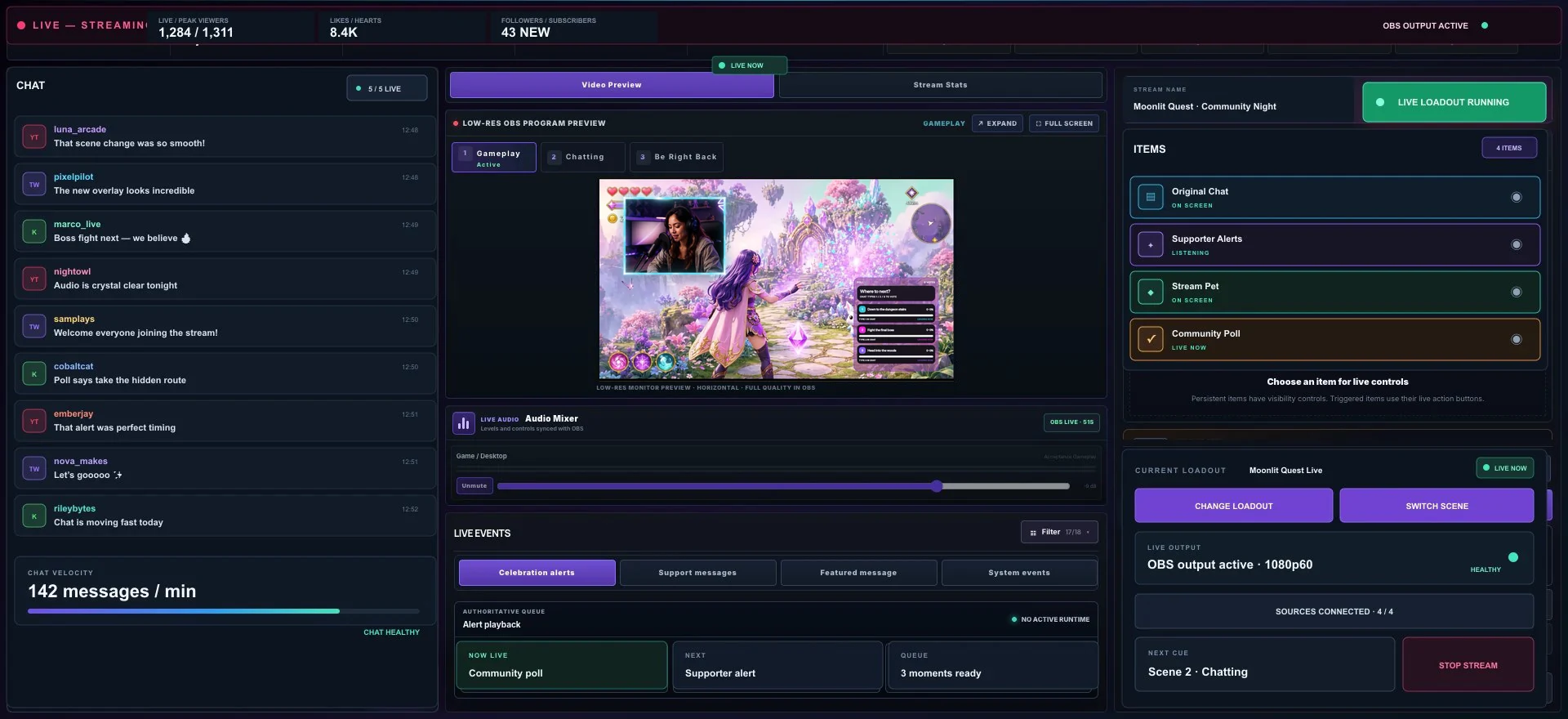
Prepare your scenes, alerts and audience actions ahead of time, then bring the experience to life from Command Centre.
Run polls, challenges and giveaways in real time, keeping your audience involved.
 LIVE · 18:43
Which challenge comes next?
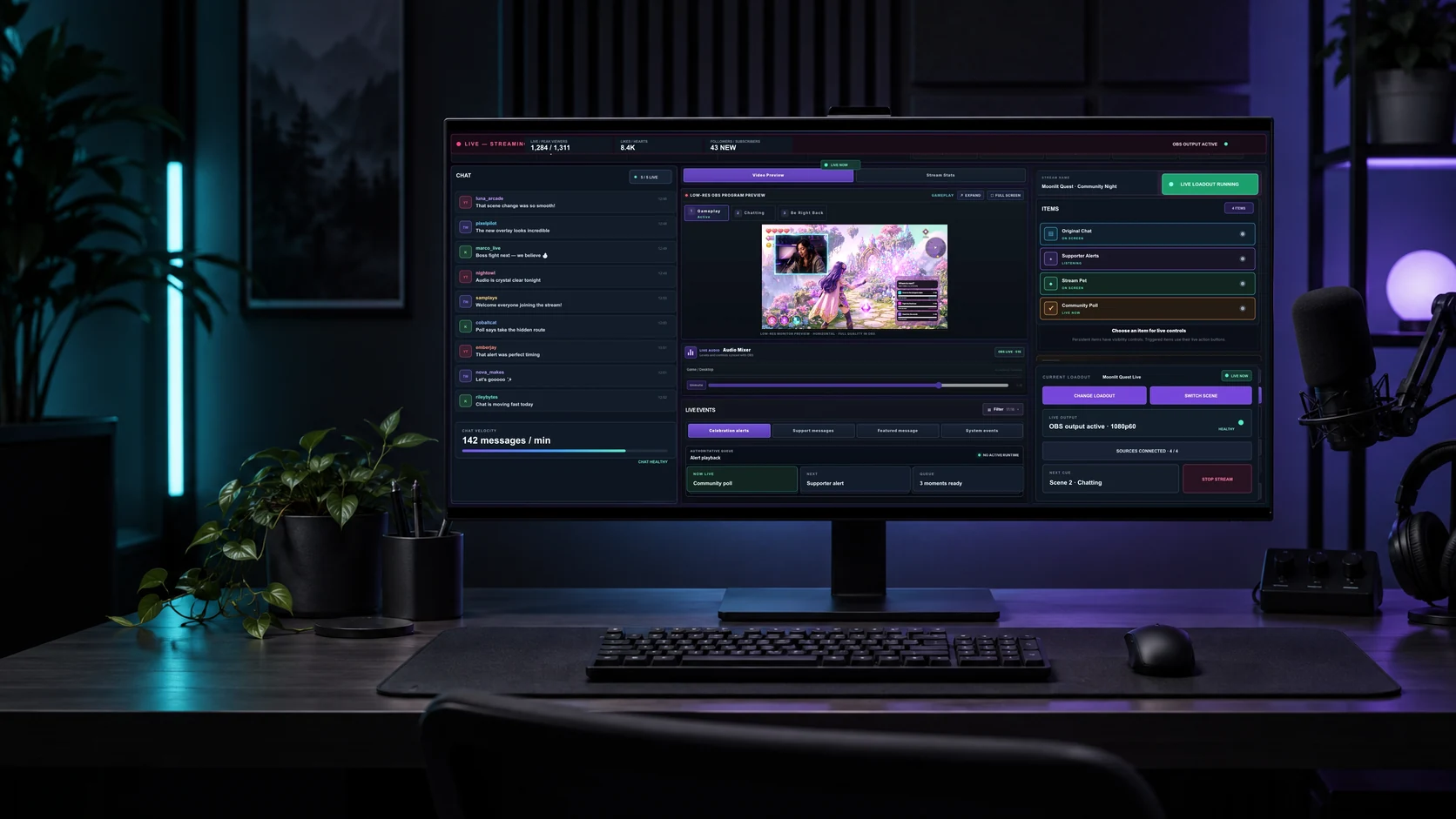
Command Centre brings every live control together so you can create, react and connect without missing a beat.
See you in the chat. ♡Keep the controls you need during a broadcast together: follow cross-platform activity, switch prepared OBS scenes, trigger live interactions and respond while the moment is still happening.
Available controls, audience events and health signals vary by platform, creator permissions and the connected OBS setup. Confirm each destination and test critical cues before going live.
Command Centre brings prepared OBS scene changes, alerts, audience interactions, connected chat activity and stream status into one operating view. The exact controls shown depend on your setup and connected platforms.
No. OBS remains the broadcast production and encoding application. Stream Rituals works alongside a paired OBS setup so supported scenes and live surfaces can be operated from a focused browser-based control view.
Yes. Command Centre is designed to show supported activity and controls for connected live destinations together, while keeping platform identity visible. Each platform still controls its own eligibility, events and permissions.